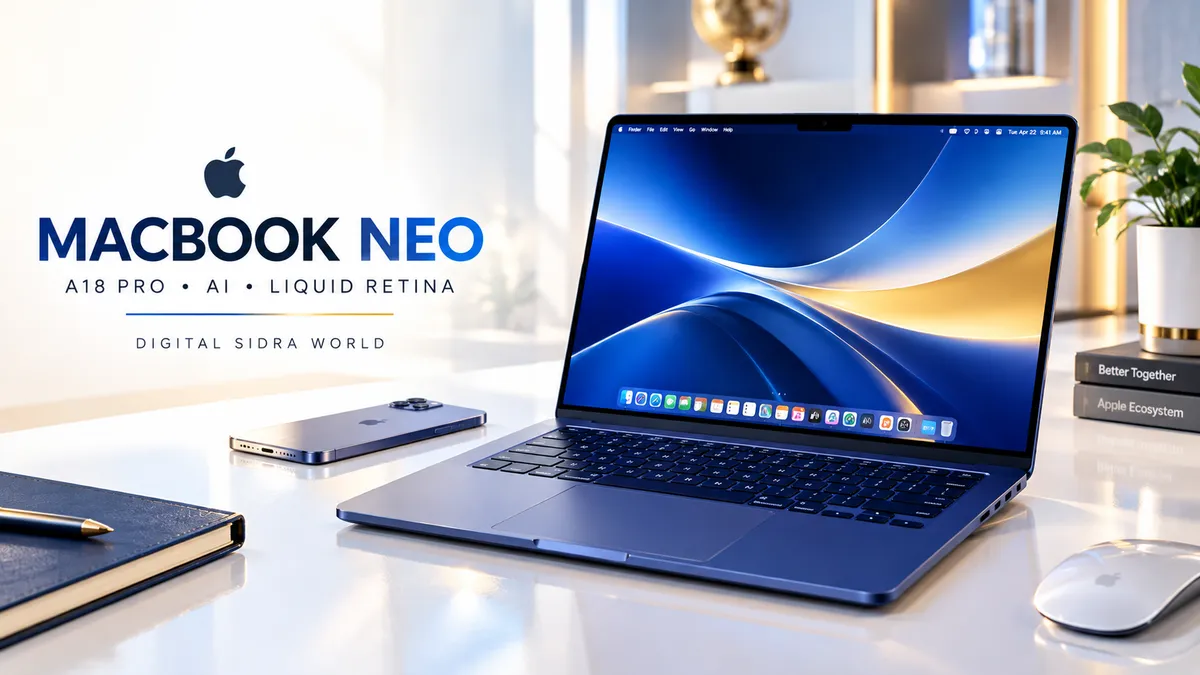
Apple MacBook Neo Review: A18 Pro, AI Features, Display, Battery Life and Is It Worth Buying?|Digital Sidra.
Apple MacBook Neo Review: A18 Pro, AI Features, Display, Battery Life and Is It Worth Buying?| Digital Sidra.
Looking for a MacBook for everyday work, studying, and AI-powered productivity? The Apple MacBook Neo is designed to bring Apple's laptop experience to everyday users through a compact aluminium design, the A18 Pro chip, a 13-inch Liquid Retina display, and integration with the Apple ecosystem.
The Indigo configuration featured in this review lists 8GB of unified memory, 256GB SSD storage, and a 1080p FaceTime HD camera. Apple also advertises up to 16 hours of battery life, making the device worth considering for students, office users, and people who want a portable laptop for routine tasks.
But specifications alone do not tell the complete story. Is 8GB of memory enough for your workflow? Will 256GB of storage meet your needs? And should you choose this MacBook over another laptop?
In this Apple MacBook Neo review, DIGITAL SIDRA USA examines the listed features, practical advantages, limitations, and key considerations to help you make a more informed buying decision.

Apple MacBook Neo: Key Specifications:
Feature | Listed specification |
|---|---|
Product | Apple MacBook Neo |
Colour | Indigo |
Processor | Apple A18 Pro chip |
Display | 13-inch Liquid Retina |
Resolution | 2408 × 1506 |
Brightness | Up to 500 nits |
Memory | 8GB unified memory |
Storage | 256GB SSD |
Camera | 1080p FaceTime HD |
Audio | Dual-mic array and two side-firing speakers with Spatial Audio |
Battery life | Up to 16 hours, as advertised by Apple |
Build | Aluminium design |
Operating system | macOS |
Specifications refer to the supplied product information. Confirm the exact configuration, features, and included software on the current retailer listing before purchasing.
1. Premium Aluminium Design With an Indigo Finish :
The first thing that makes the MacBook Neo stand out is its clean, compact design. The aluminium construction gives it a modern appearance, while the Indigo finish offers a distinctive alternative to conventional silver-coloured laptops.
Apple lists four colour options for the MacBook Neo range: Silver, Blush, Citrus, and Indigo. Colour availability may vary by configuration and retailer.
A 13-inch laptop can be particularly appealing to people who move between home, college, an office, or a shared workspace. Its smaller footprint can also make it easier to fit on a compact desk.
Who may appreciate the design?
Students who carry a laptop between classes.
Professionals who work in different locations.
Everyday users who prefer a minimalist laptop.
People who value a coordinated design across their technology devices.
However, the appearance of a premium laptop should not be the only deciding factor. Keyboard comfort, connectivity, storage, software compatibility, and your workload deserve equal attention.
2. Apple A18 Pro Chip and AI Capabilities:
The MacBook Neo features Apple's A18 Pro chip, which Apple positions for everyday computing and AI-related capabilities.
For a typical user, everyday laptop performance involves opening applications, working with documents, browsing the web, organising photographs, attending online meetings, and switching between tasks. These are the types of activities to consider when evaluating whether a compact MacBook fits your routine.
The supplied product information also describes tasks such as editing family photographs, working on spreadsheets, summarising class notes with AI, and playing compatible games.
Apple Intelligence is another important part of the product's positioning. Compatible features can help with supported writing, summarising, and communication tasks, depending on software, language, and regional availability.
One important distinction: a chip being designed for AI does not automatically mean every AI application or advanced professional workload will run equally well. Application compatibility and actual workload requirements still matter.
If you rely on specialised Windows-only software, confirm whether a macOS version or suitable alternative is available before making your decision.
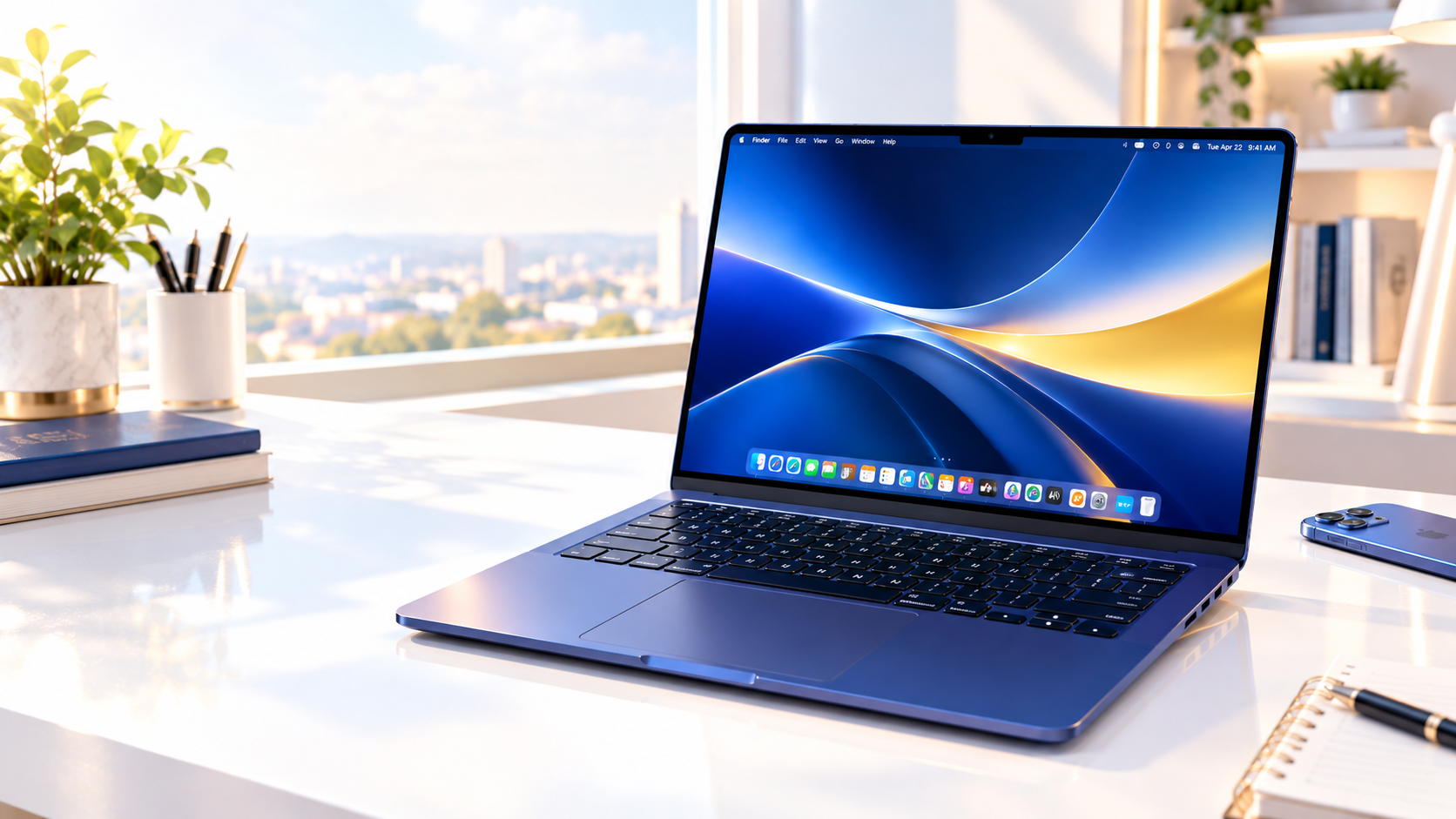
3. 13-Inch Liquid Retina Display:
The MacBook Neo's display is one of its central features. According to the supplied specifications, it offers a 13-inch Liquid Retina panel with a resolution of 2408 × 1506, brightness of up to 500 nits, and support for one billion colours.
For everyday work, display quality affects more than entertainment. Clear text can make reading documents and taking notes more comfortable, while colour support can be useful when viewing photographs and other visual content.
Potential uses include:
Reading articles and online learning materials.
Editing documents and spreadsheets.
Watching videos and attending online classes.
Reviewing photographs and presentations.
Working with compatible creative applications.
The advertised brightness is a maximum specification, not a guarantee that the display will always operate at that level. Actual brightness and battery consumption depend on settings and conditions.
If your work requires colour-critical professional editing, compare the display specifications with the requirements of your particular applications and workflow.
4. Is 8GB Unified Memory Enough?
The listed configuration includes 8GB of unified memory. This is one of the most important details to consider before purchasing.
Unified memory is part of Apple's approach to sharing memory resources across the system. However, 8GB remains a capacity you should evaluate against your typical workload.
For someone who mainly browses the web, writes documents, attends video calls, studies, and uses a modest number of applications, this configuration may be worth considering.
The situation can be different for users who regularly keep many demanding applications open, work with large creative projects, edit complex media, or run memory-intensive development tools.
Before buying, ask yourself:
How many applications do I usually run at once?
Do I regularly work with large files?
Do I need professional creative or development software?
Can I comfortably work within the listed memory configuration?
Do not assume the memory can be upgraded later. Check the exact model's upgrade options and specifications before purchasing.
5. Is 256GB SSD Storage Sufficient?
The MacBook Neo configuration covered here lists a 256GB SSD. Solid-state storage is useful for keeping applications, documents, photographs, and other files readily accessible.
Whether 256GB is enough depends on how you use your computer.
It may suit you if you:
Mainly work with documents and online services.
Keep a manageable collection of photographs and downloads.
Stream most of your entertainment.
Regularly organise or move older files.
Consider a different storage configuration if you:
Keep a large local photo or video library.
Work with substantial media projects.
Install many large applications or games.
Prefer storing most of your files directly on your laptop.
Remember that operating system files and installed applications use some of the available space. The full advertised capacity will not all be available for your personal files.
Cloud storage and external drives may help, but they add their own costs or practical considerations. Evaluate your storage habits before deciding.
6. Battery Life for Study and Everyday Work:
Apple advertises up to 16 hours of battery life for the MacBook Neo. This is a useful specification for people who want to work away from a power outlet.
Students may value the possibility of using a laptop during classes and study sessions, while professionals may appreciate fewer interruptions during routine work.
However, up to 16 hours is an advertised maximum, not a guaranteed real-world result. Battery performance varies with screen brightness, wireless activity, application usage, system settings, and workload.
Demanding tasks may consume more power than light browsing or document editing. If battery life is critical to your purchase, review independent testing of the exact model when reliable results are available.
7. Camera, Microphones and Spatial Audio:
For online meetings, classes, and personal calls, the listed 1080p FaceTime HD camera provides a relevant feature for everyday users.
The dual-mic array is designed to support voice capture, while the two side-firing speakers support Spatial Audio.
These features may be useful for remote learning, video conferencing, casual media playback, and staying connected with family or colleagues.
Your actual call quality will still depend on lighting, your environment, network quality, application settings, and the person on the other end of the call. A good built-in camera is helpful, but it cannot compensate for every poor lighting or connectivity situation.
8. macOS and the Apple Ecosystem:
The MacBook Neo runs macOS and supports built-in applications such as FaceTime and Messages. People who already use an iPhone may find the broader Apple ecosystem especially relevant.
Depending on device compatibility, software versions, settings, and regional availability, ecosystem features can include:
iPhone Mirroring.
Copying content on an iPhone and pasting it on a Mac.
Sending messages from a Mac.
Answering FaceTime calls on a Mac.
These integrations can make everyday tasks feel more connected when you use compatible Apple devices.
If your current workflow depends heavily on Android, Windows, or particular cross-platform applications, check how your existing tools work with macOS before switching.
9. Privacy and Security Features:
The supplied product information highlights built-in antivirus protection, software updates, FileVault encryption, and Find My.
FileVault can encrypt supported data on the Mac's storage, while Find My may help locate a lost device when the necessary settings and conditions are met. Software updates also play an important role in maintaining security and compatibility.
No device is completely immune to security risks. Strong account protection, careful app installation, sensible browsing habits, and regular updates remain important.
The listing also mentions configurations with Lock Key or Touch ID. These details can depend on the specific model, so check the exact retailer configuration rather than assuming both features are included.

Pros and Limitations: An Honest Buying Perspective:
Potential advantages
Compact 13-inch form factor.
Distinctive Indigo aluminium design.
A18 Pro chip and AI-focused capabilities.
High-resolution Liquid Retina display.
1080p FaceTime HD camera.
Integration with compatible Apple devices.
Advertised battery life of up to 16 hours.
Things to consider:
8GB unified memory may not suit every demanding workflow.
256GB storage may feel restrictive for large local libraries.
Actual battery life depends on use.
macOS application compatibility should be checked before switching platforms.
Apple Intelligence features may have language, software, device, or regional requirements.
The exact configuration and included features should be verified before purchase.
These are practical buying considerations based on the listed specifications, not claims from independent hands-on testing.
Who Should Consider the Apple MacBook Neo?
The MacBook Neo may be worth shortlisting if you want a compact Mac for studying, everyday office tasks, web browsing, document work, online meetings, and compatible Apple Intelligence features.
It may be less suitable if your workflow regularly demands substantial memory, extensive local storage, specialised software that requires Windows, or performance that has not been independently verified for your particular workload.
The right choice depends on the applications you use, the files you store, and the flexibility you need from your computer.
Final Verdict: Is the MacBook Neo Worth Buying?
The Apple MacBook Neo combines an A18 Pro chip, a 13-inch Liquid Retina display, an aluminium design, macOS, and Apple ecosystem features in a compact laptop configuration.
Its strongest appeal is likely to be its combination of portability, everyday productivity features, and integration with compatible Apple devices. At the same time, the listed 8GB memory and 256GB SSD deserve careful consideration before you commit.
Rather than buying based on the Apple name alone, compare the current price, exact configuration, software compatibility, storage needs, and independent reviews of real-world performance.
Our recommendation: Shortlist the MacBook Neo if its specifications match your daily routine. Verify the retailer listing and your requirements before ordering.
Check the Latest MacBook Neo Listing
Want to review the current configuration and availability?
Visit the Amazon product listing below before making your decision.
Affiliate disclosure: This article contains an affiliate link. DIGITAL SIDRA may earn a commission if you purchase through this link, at no additional cost to you. This article is based on supplied product information and is not a claim of personal ownership or independent hands-on testing.
About DIGITAL SIDRA USA
DIGITAL SIDRA USA shares technology reviews, AI resources, digital marketing insights, and practical product buying guides.
Learn Better. Choose Smarter. Earn Smarter.