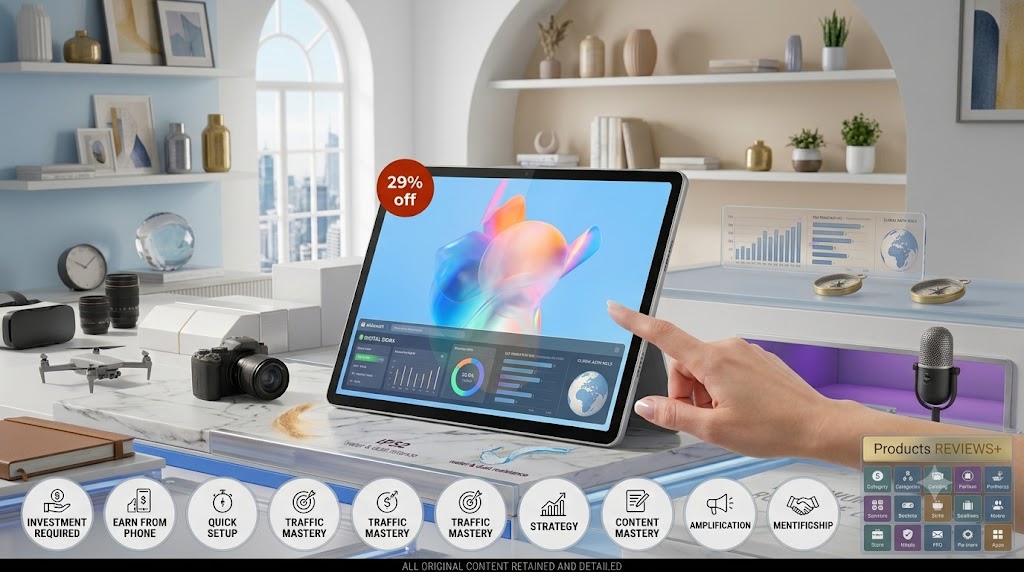
Lenovo Tab Plus Review: Is the 256GB Model Worth Buying in 2026? | DIGITAL SIDRA
Lenovo Tab Plus Review: Is the 256GB Model Worth Buying in 2026? | DIGITAL SIDRA
There's a specific kind of tablet buyer who doesn't want a "productivity device" or a stripped-down Netflix screen — they want something that actually sounds and looks good enough to replace a small TV, a Bluetooth speaker, and a photo frame, all at once. That's the exact space Lenovo is chasing with the Tab Plus, and at DIGITAL SIDRA, we wanted to find out whether the 256GB variant actually earns its keep, or whether the marketing is doing most of the heavy lifting.
The short version: this isn't a tablet built for spreadsheet work or heavy multitasking. It's built around one clear idea — media consumption done properly — and once you evaluate it through that lens, most of its design choices start making a lot more sense.
First Impression: A Tablet That Knows What It's For:
Pick up the Tab Plus and the first thing you notice isn't the screen — it's the built-in kickstand. Instead of forcing you to buy a separate case or prop it against a water bottle during video calls, Lenovo has baked a 175-degree adjustable stand directly into the back of the tablet. It sounds like a small thing until you actually use it daily. Watching something in bed, propping it up on a desk for a video call, or laying it almost flat for a DJ-style control surface — the hinge genuinely changes how you interact with the device.
The build itself feels sturdier than the price suggests. Lenovo has added IP52-rated resistance against dust and light water exposure, which won't survive a swim, but will comfortably handle a splash from a kitchen counter or a light drizzle on a balcony. Combined with the TÜV Rheinland Full Care Display 2.0 certification for the screen, it's clear Lenovo designed this around real households — kids, shared spaces, casual accidents — rather than a pristine office desk.
Performance in Real Life: Where the Tab Plus Fits (and Where It Doesn't)
Under the hood is a MediaTek Helio G99 Octa-core processor paired with 8GB of RAM and, in this configuration, 256GB of storage. This is not a chip built to compete with flagship tablets running heavy creative software — and Lenovo isn't pretending it is. Instead, it's tuned for exactly what most people actually do on a tablet: streaming, browsing, casual gaming, video calls, and social media, all running smoothly without lag.
For students and casual users, this is more than enough headroom. Switching between apps, taking notes, watching lecture videos, or reading through browser tabs feels responsive rather than sluggish.
For content viewers and binge-watchers, this is where the hardware genuinely shines — more on that in the display and sound sections below.
For anyone doing serious multitasking, video editing, or professional creative work, this isn't the right device. The Helio G99 simply isn't built for that kind of sustained, heavy workload, and buyers in that category should look toward a higher-tier chipset instead.
The 256GB of onboard storage is a meaningful upgrade over base variants, especially since it also supports microSD expansion — so downloading offline shows, storing a large photo library, or keeping multiple apps installed doesn't become a constant balancing act.
Display: Where the "Visual Luxury" Claim Actually Holds Up:
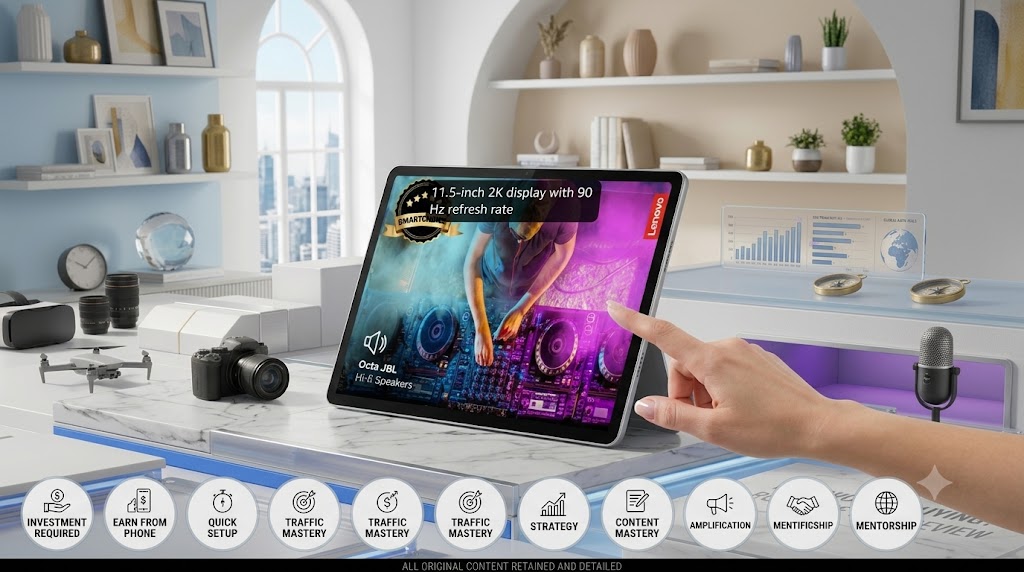
Lenovo markets the Tab Plus around the idea of "visual luxury," and the 11.5-inch 2K display (2560×1440 resolution in this variant) is genuinely the strongest part of the device. At 400 nits of brightness and a 90Hz refresh rate, scrolling feels noticeably smoother than the standard 60Hz tablets in this price range, and video content looks sharp without needing to squint at fine details.
The screen also carries Eyesafe low blue-light certification alongside the TÜV Rheinland rating, which matters more than it sounds — if this tablet is going to be used for hours at a stretch (and given its positioning, it will be), reduced eye strain over long viewing sessions is a real, practical benefit rather than a marketing checkbox.
Outdoor visibility is decent but not exceptional at 400 nits — direct harsh sunlight will still wash out the screen somewhat, so this remains primarily an indoor entertainment device rather than an outdoor-ready one.
Audio: The Feature That Actually Justifies the Price Difference
If there's one feature that separates the Tab Plus from a generic Android tablet, it's the sound system. Lenovo has packed in eight speakers — four tweeters and four force-balanced bass units — tuned with Dolby Atmos and JBL's audio signature. In practice, this means dialogue in movies stays clear even at higher volumes, and bass-heavy content (music, DJ sets, action scenes) doesn't turn into a tinny, distorted mess the way it does on most tablet speakers.
This is genuinely the feature that makes the Tab Plus worth considering over cheaper alternatives with similar specs on paper. A lot of tablets match or beat the screen and chipset at this price — very few match the speaker setup.
Battery and Standby Mode:
The 8600mAh battery, combined with the included 45W fast charger, is built to comfortably survive a full day of moderate to heavy media use. Charging speed is a genuine convenience here — a quick top-up before heading out is realistic, not just a "claimed" number.
One underrated feature worth calling out: Standby Mode. Prop the tablet up on its kickstand while charging, and it automatically turns into a digital photo frame and bedside clock. It's a small addition, but it's the kind of thoughtful detail that makes the tablet feel useful even when you're not actively holding it.
🛒 CHECK THE LATEST PRICE ON AMAZON →
Camera and Software:
Camera performance is functional rather than impressive — an 8MP front camera with face unlock and an 8MP rear camera with autofocus. Neither is going to replace a phone camera, but for video calls, quick document scans, or casual photos, they get the job done without complaint.
On the software side, the Tab Plus ships with Android 14, with Lenovo committing to upgrades through Android 16 and security patches through June 2028. That's a genuinely reassuring commitment for a mid-range tablet — many competitors in this price bracket offer little to no long-term software support, leaving buyers stuck on outdated Android versions within a year or two.
Who Should Buy the Lenovo Tab Plus?
Students who want a large, comfortable screen for lectures, notes, and downtime entertainment between classes.
Families looking for a shared household tablet — the durability, kid-friendly build, and photo-frame standby mode make it a natural fit for common spaces.
Media and music enthusiasts who prioritize sound quality and want a tablet that can double as a bedside speaker/display without external accessories.
Casual users and travelers who want a reliable secondary screen for streaming without carrying a laptop.
Who Should Not Buy It?
Creative professionals — video editors, 3D designers, or anyone running demanding software will find the Helio G99 a bottleneck fairly quickly.
Heavy multitaskers who regularly run several resource-intensive apps side by side may notice slowdowns over time.
Gamers chasing high-end graphics — casual and mid-tier games run fine, but this isn't a gaming tablet for graphically demanding titles.
Buyers who need stylus support for serious note-taking or drawing — Lenovo hasn't positioned this model around pen input the way some competing tablets are.
Pros and Cons
Pros
Excellent 2K, 90Hz display with genuine eye-comfort certifications
Best-in-class speaker setup for this price range (JBL + Dolby Atmos)
Built-in 175° kickstand removes the need for a separate case
IP52 water and dust resistance
Long software support window (Android 16 upgrade path, patches to mid-2028)
256GB storage with microSD expansion is genuinely generous
Cons
MediaTek Helio G99 isn't suited for heavy multitasking or creative workloads
Cameras are basic, front and rear
No stylus support built into the core experience
Screen brightness is only adequate, not exceptional, in direct sunlight
Value for Money
At its discounted price, the 256GB Tab Plus is priced closer to what you'd expect from a mid-range tablet with a mediocre speaker setup — except here, the audio hardware alone punches well above that bracket. You're essentially paying for the display and sound experience, with the processor kept modest to keep costs down. That's a reasonable trade-off if entertainment is your primary use case, but it's worth being clear-eyed about: you are not paying for raw performance here.
If your budget is tighter and you don't need 256GB, Lenovo's lower-storage variants may offer better value — but given how quickly downloaded shows, apps, and photos add up, the 256GB configuration is the more future-proof choice for most buyers who plan to keep this tablet for a few years.
Alternatives Worth Considering:
If your priority is raw performance over audio quality, a similarly priced tablet built around a Snapdragon or higher-tier MediaTek chip may serve creative or multitasking-heavy users better. But among Android tablets specifically built around a media/entertainment use case, few competitors match this speaker-and-display combination without pushing into a significantly higher price bracket.
Honest Verdict:
The Lenovo Tab Plus isn't trying to be everything to everyone, and that's exactly why it works. It's a tablet engineered around one specific promise — a genuinely great audio-visual experience — and it delivers on that promise convincingly. The kickstand design, IP52 durability, and long software support window round it out into a device that feels considered rather than assembled from a spec sheet.
Where it falls short is predictable: the processor limits it to light-to-moderate workloads, and buyers hoping for a creative or gaming powerhouse will be disappointed. But for students, families, and media-first users, those limitations rarely matter in daily use.
Would DIGITAL SIDRA recommend it? Yes — specifically to buyers who know they want a media-focused tablet, not a productivity powerhouse.
DIGITAL SIDRA Rating: 8.3/10
🔥 VIEW THIS PRODUCT ON AMAZON →
Check the listing directly for current pricing, seller details, exact colour/configuration availability, and warranty terms before purchasing, as these can change over time.
About DIGITAL SIDRA:
DIGITAL SIDRA helps readers make smarter decisions about technology, digital marketing, online business tools and products. Our goal is simple: Learn better. Choose smarter. Earn smarter.
Affiliate Disclosure
Affiliate Disclosure: This article contains affiliate links. If you purchase through our link, DIGITAL SIDRA may earn a commission at no additional cost to you. Our opinions are based on the product's features, practical usefulness and limitations.